Lexicon - Kotlin Multiplatform Vocabulary Coach
Compose Multiplatform vocabulary app that keeps Android and iOS learners in sync from discovery to mastery.
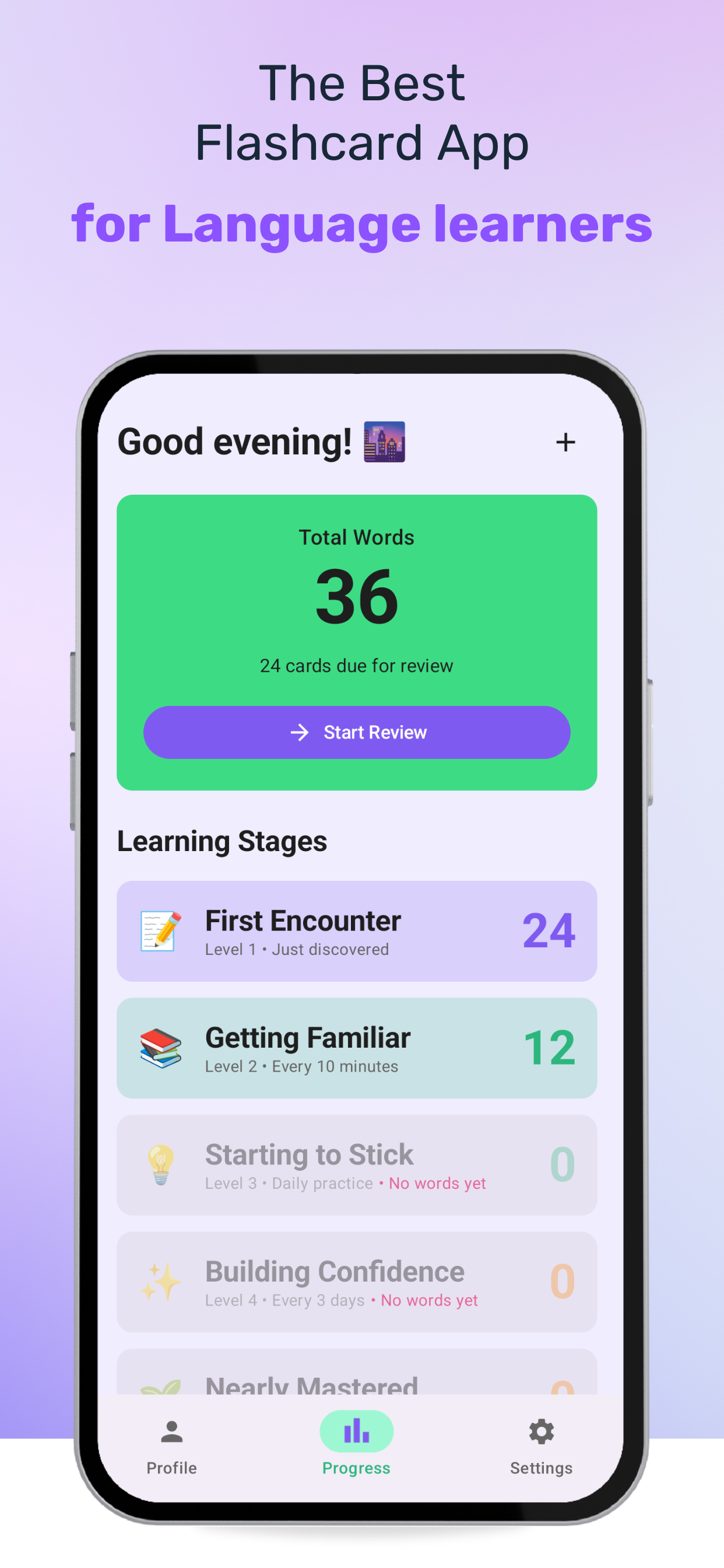
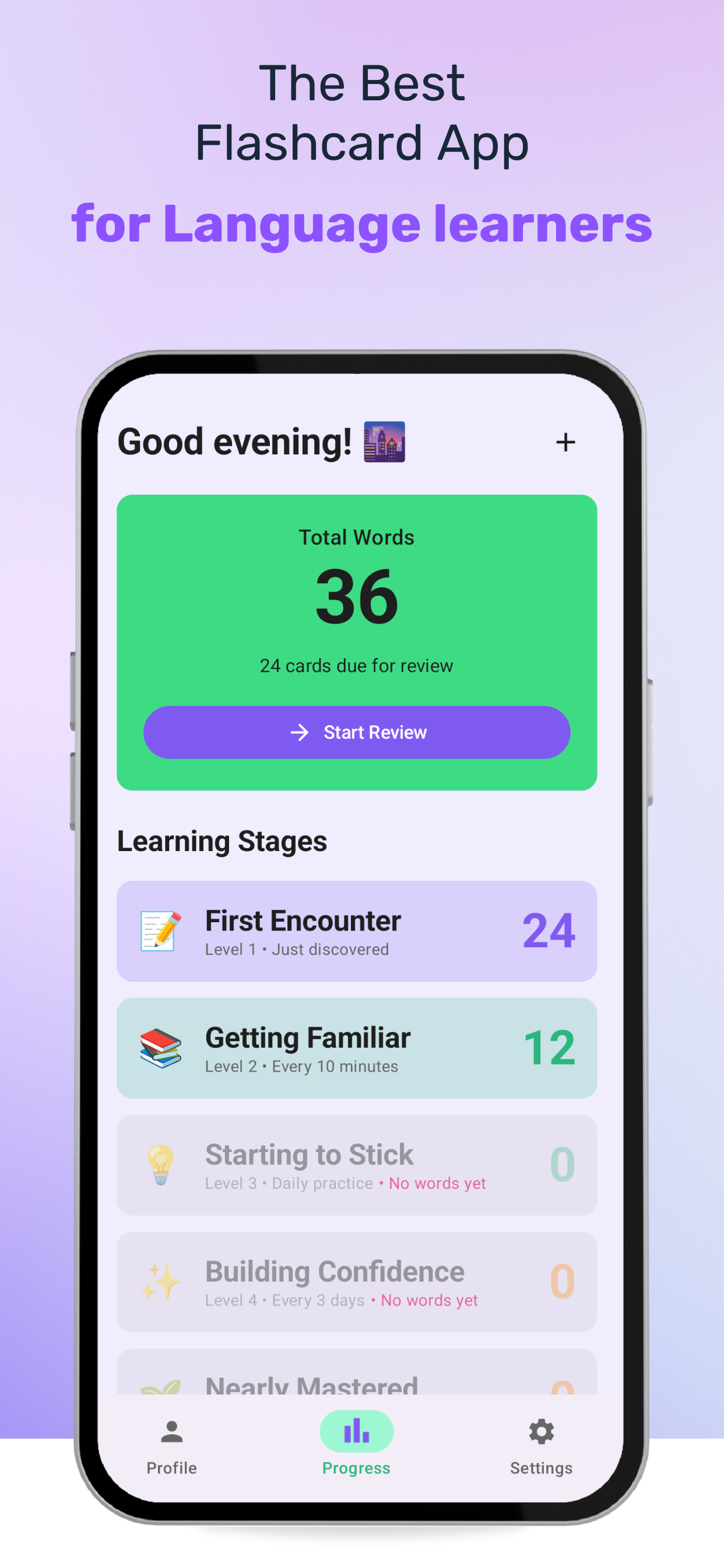
Lexicon keeps language learners in sync on Android and iOS with one Kotlin Multiplatform codebase, guided practice stages, and AI-assisted imports that surface the words that matter most.
Start in seconds on Google Play or grab the iOS build via the App Store.
Why Lexicon Exists
Learners often juggle multiple flashcard apps and lose context between devices. Imports from PDFs, screenshots, or raw text are slow and brittle, and progress frequently drifts out of sync. Lexicon removes that friction with shared UI, persistent state, and automation that extracts vocabulary from any source.
Product Highlights
- Compose Multiplatform renders a single UI layer for Android and iOS.
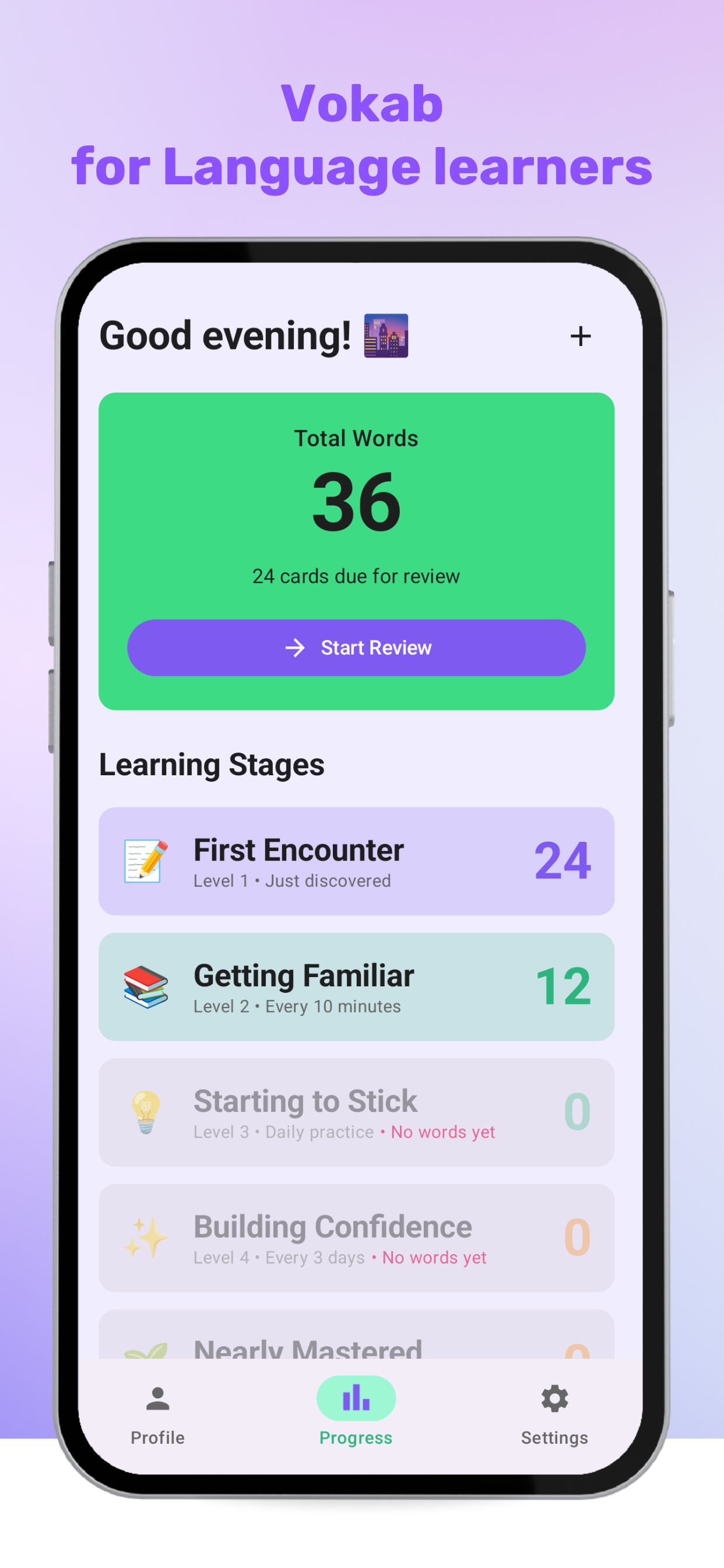
- Guided stages and focused review help learners move from discovery to mastery.
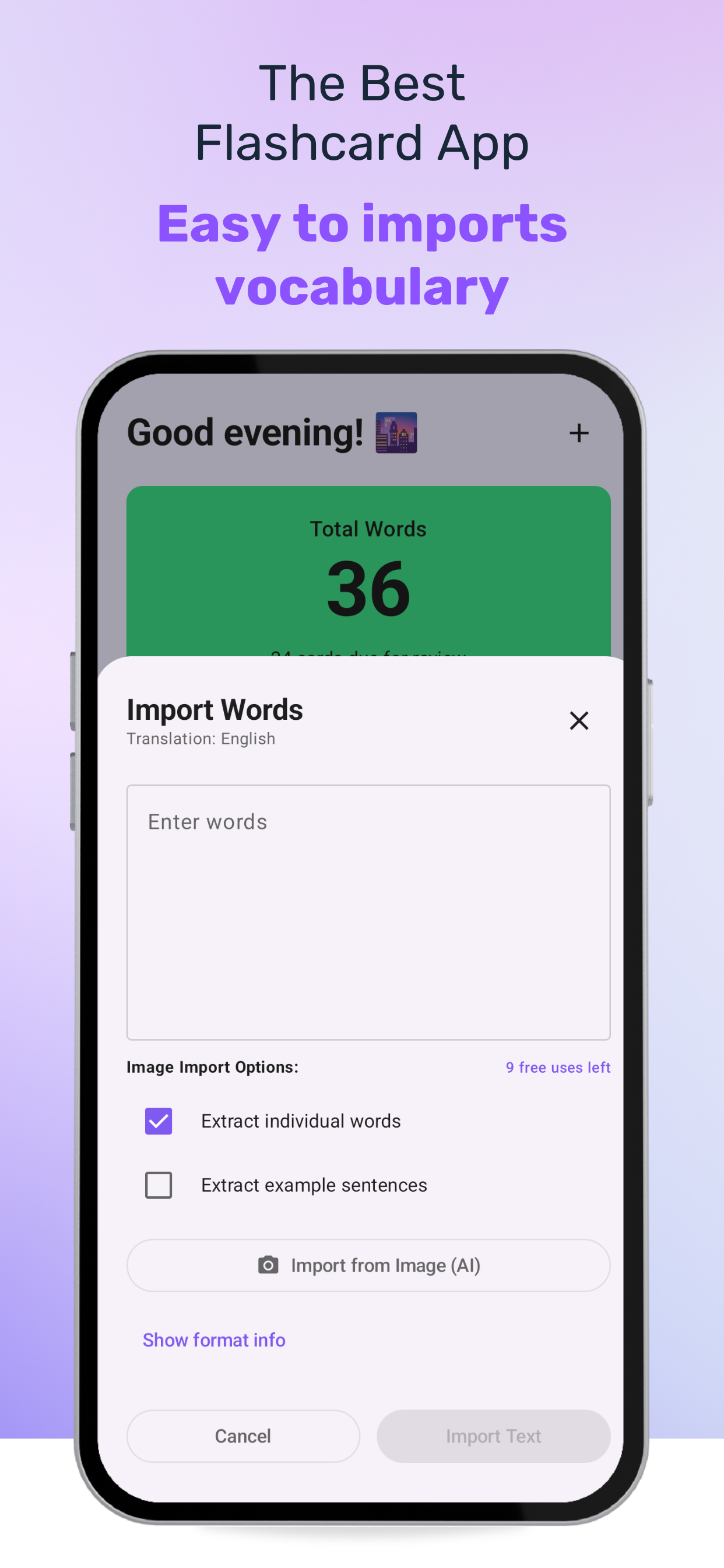
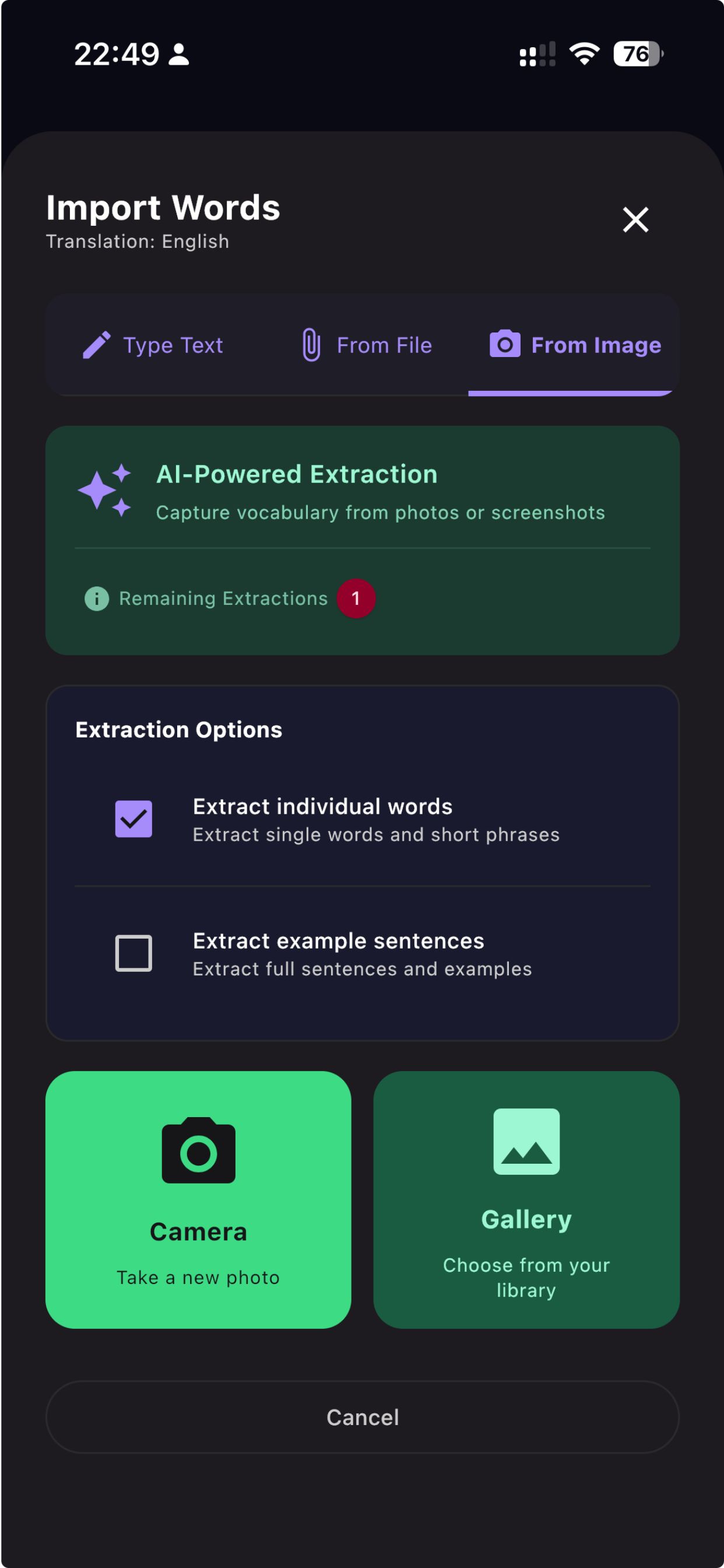
- AI-powered imports pull vocabulary from pasted text, uploaded files, or screenshots.
- Firebase analytics and KMPAuth provide a unified view of engagement and authentication across platforms.
Architecture & Modules
composeApp- application entry point, dependency graph, platform hookspresentation- Compose screens, navigation, and design system bindingsdomain- pure Kotlin use cases and modelsdata- repositories, Room cache, Ktor clients, and sync pipelinesplatforms&core- notifications, secure storage, shared helpersdesign-system,resources,utils,test- reusable UI atoms, assets, helpers, and test kit
Gallery
Focus on Learning
Whether learners paste text, upload files, or snap screenshots, Lexicon extracts just the vocabulary that matters. Immutable state flows from repositories back to the UI, keeping sessions predictable, testable, and real-time smooth.
Contributing
- Fork and clone the repository.
-
Clone the project:
git clone https://github.com/rezaiyan/Lexicon -
Copy the default configuration:
cp local.defaults.properties local.properties - Open Android Studio and run the app.
- Happy contributing! 🚀